
How can we help?
Check the quick answers, or send us a message. We typically respond within 24–48 hours.
Quick answers
I didn’t get my invite
Check your spam or promotions folder for an email from CircleCare, or ask the person who invited you to share the invite link again. You can also open my.circlecare.app — your invite email includes a code.
Open my.circlecare.appHow do invited family members join?
Open the invite link on any phone or computer. There’s nothing to install — create a free account with email, Google, or Apple and you’re in. Joining is always free.
Ways to get CircleCareHow do I cancel Premium?
If you subscribed on iPhone or Android, cancel from the App Store or Google Play subscription settings. If you subscribed on the web, use Manage subscription in your profile. No contracts, no cancellation fees — cancel anytime, including during a free trial.
Plans and billingHow do I delete my account?
Use our account deletion page. We’ll send a verification code to your account email to confirm, then permanently delete your account.
Go to account deletionIs my family’s information private?
Yes. Only people in your circle can see it. Data is encrypted in transit and at rest, there are no ads, and we never sell your information.
Read our privacy policy
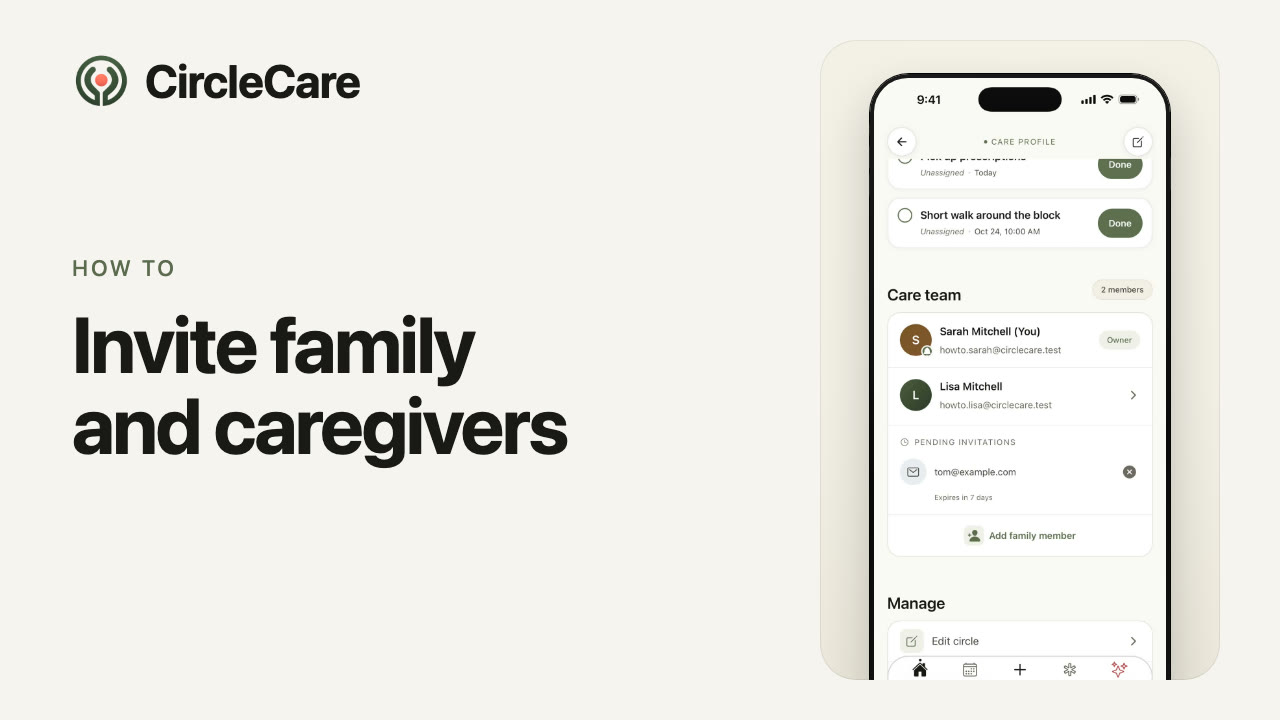
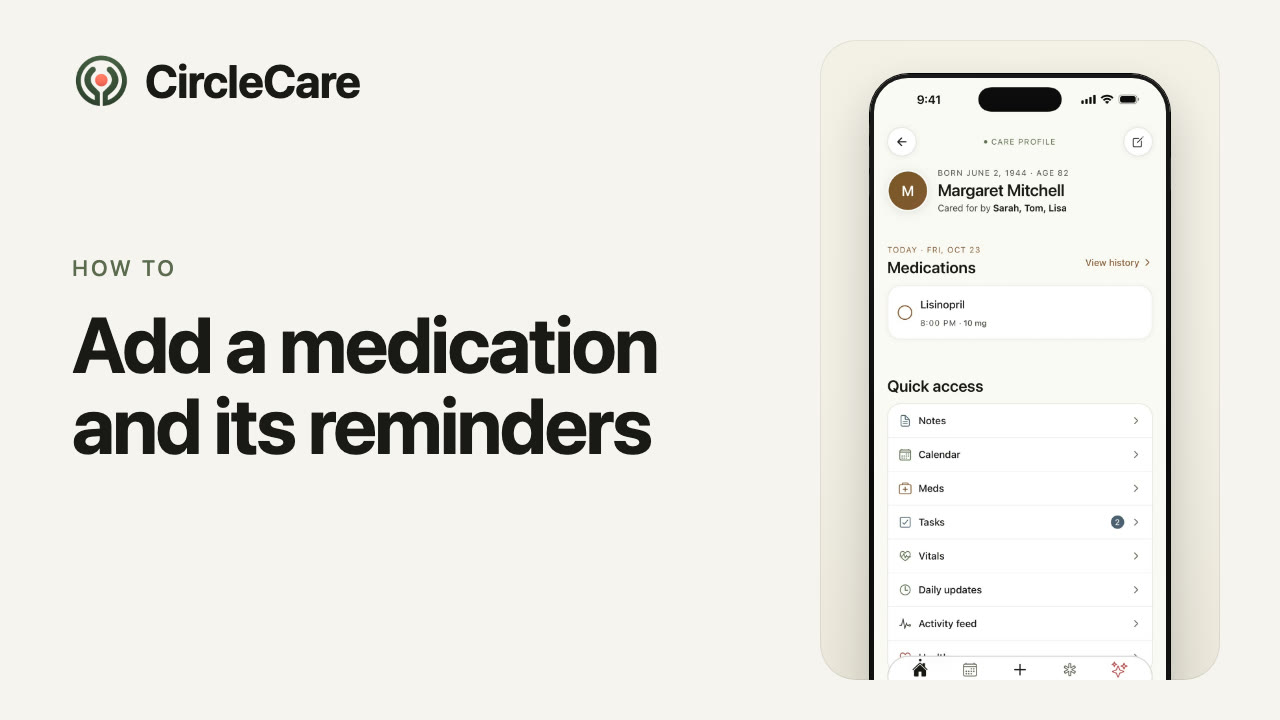
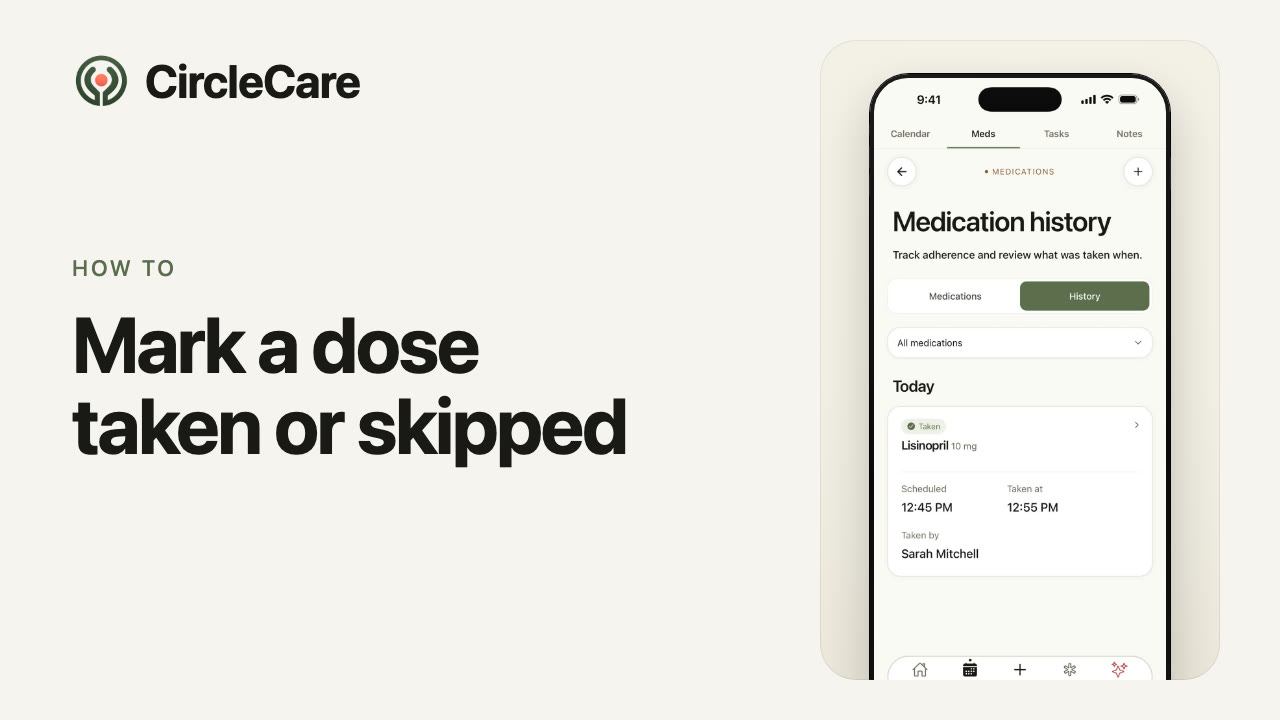
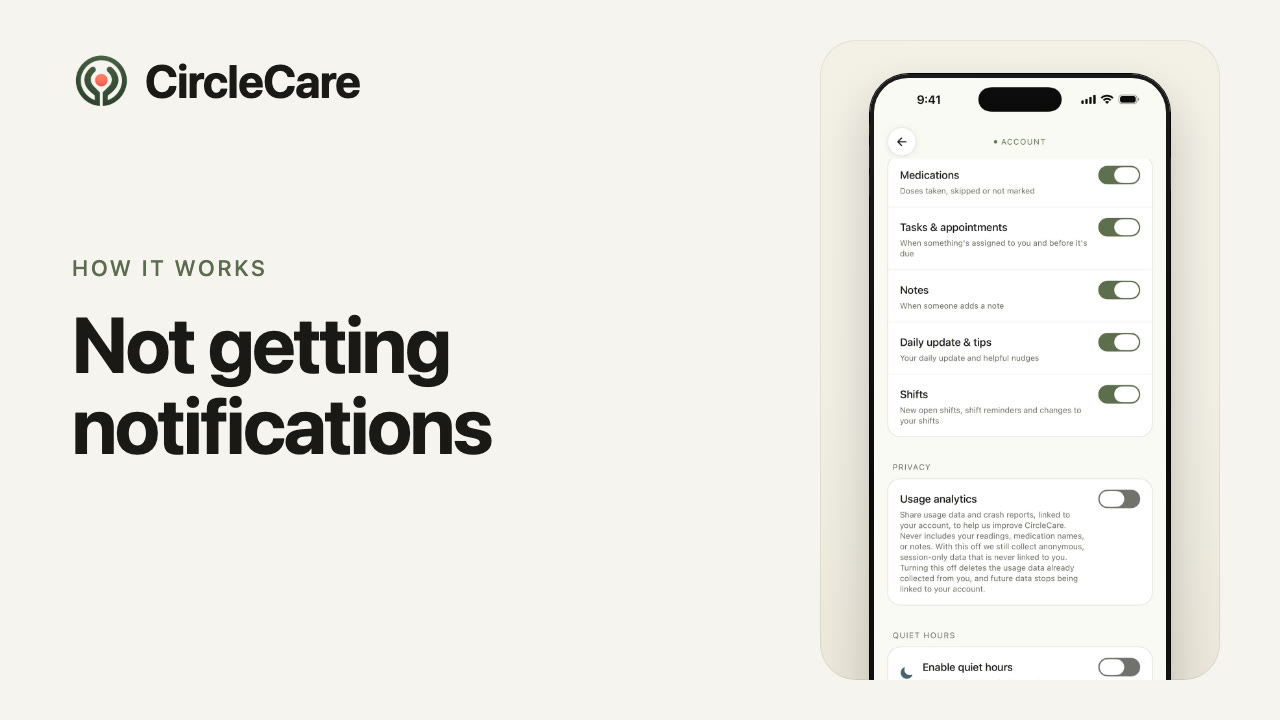
Watch how it works
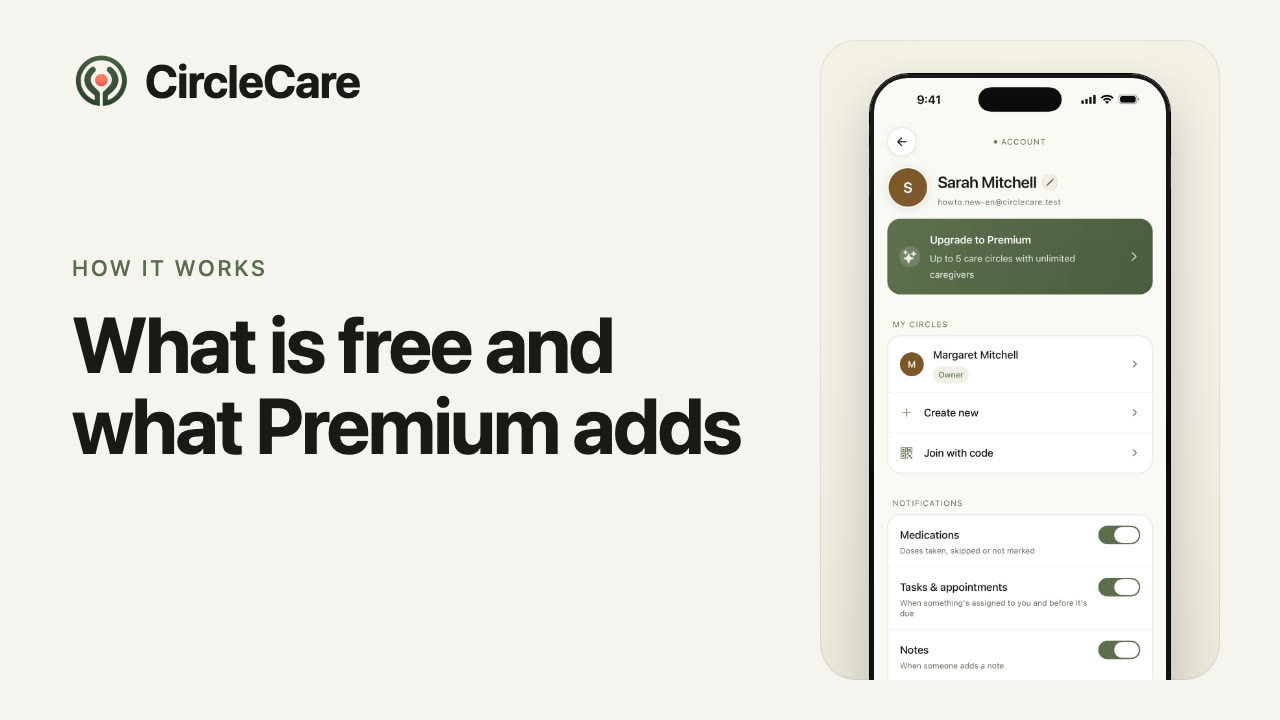
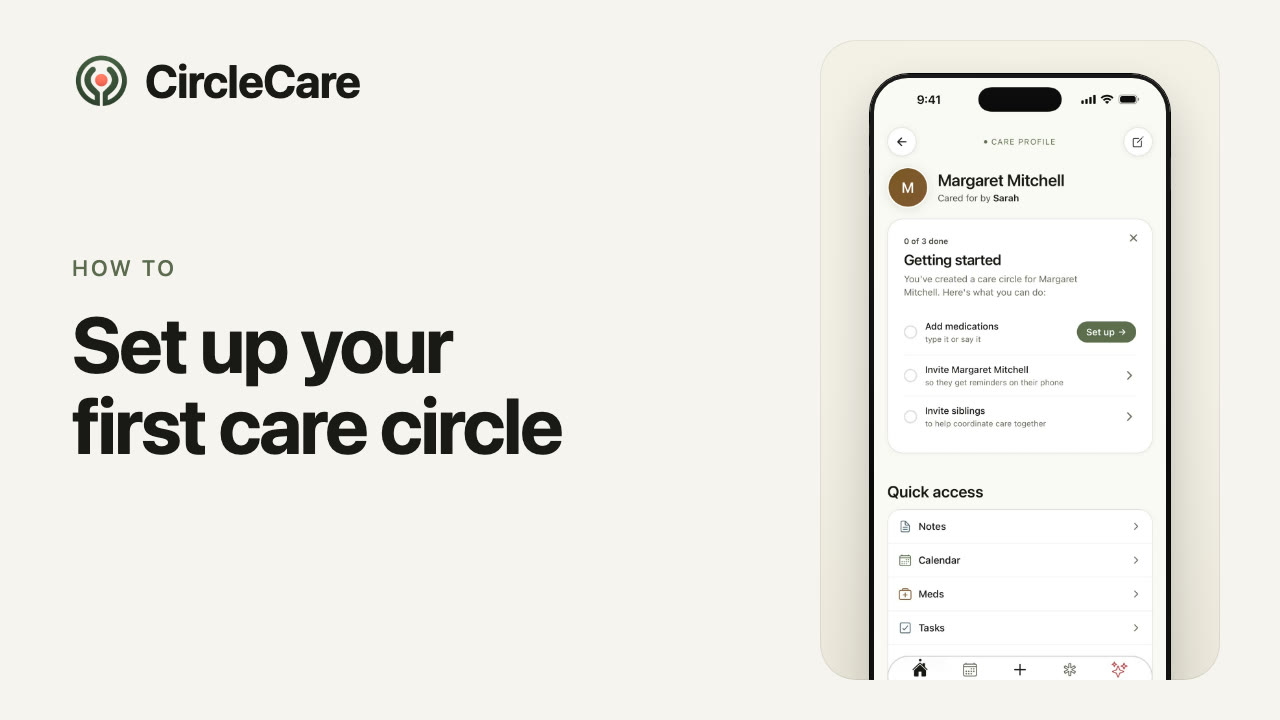
26 short videos, in English and Spanish — every feature in about a minute.
Browse all topics
Seven categories · every article in English and Spanish
Privacy and security
Send us a message
Tell us what’s going on and our team will get back to you.