
Three quiet steps. Then life gets easier.
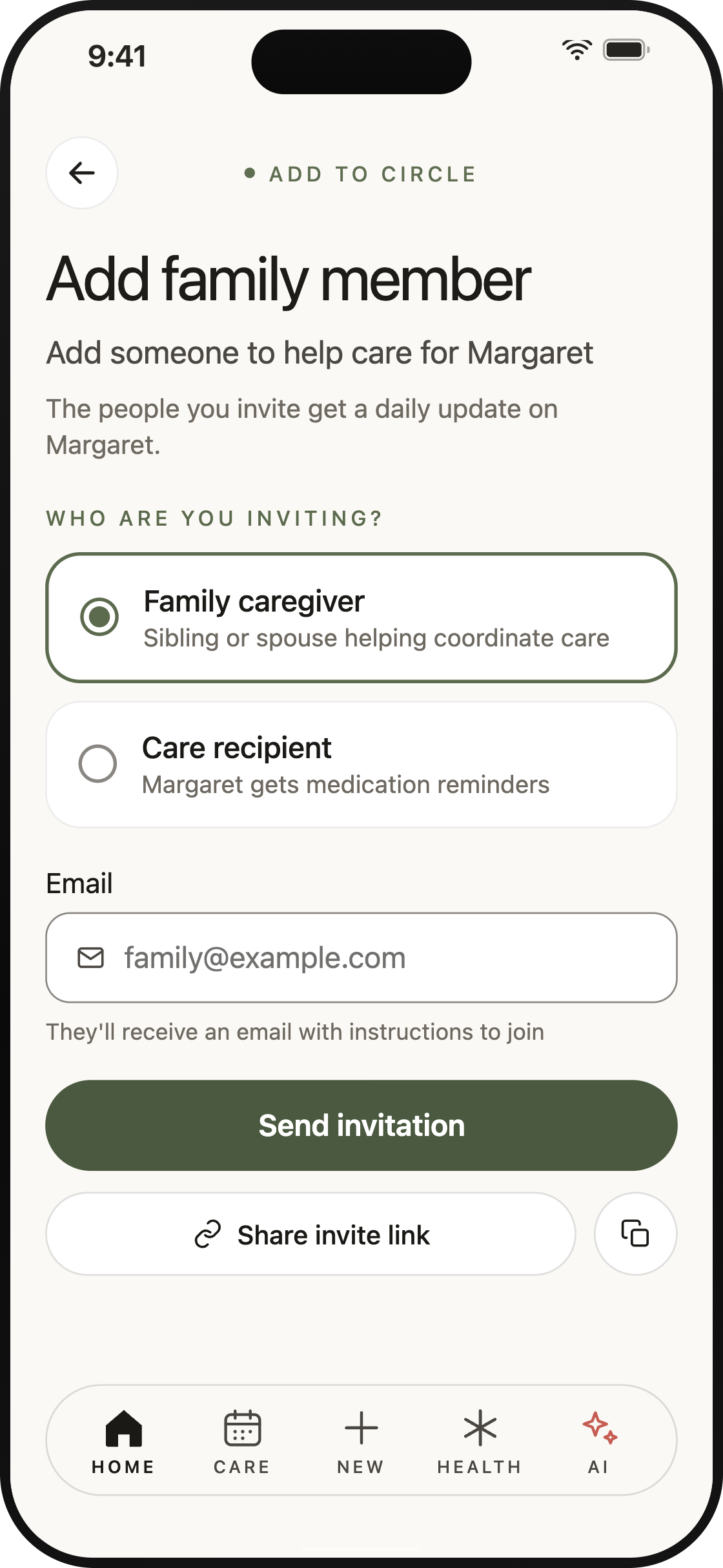
One person sets up the circle in a couple of minutes. Everyone they invite joins free — on their phone or in any web browser.
Start a circle
Add the person you're caring for — a parent, spouse, child, or yourself. Then invite the people who help.
- Get CircleCare free on iPhone, Android, or the web.
- Invite by email from the app, or share your invite link by text or WhatsApp.
- Free plan: you plus one caregiver. Premium: unlimited family members.
Bring life in
Put the details in one place, once, so nobody has to ask for them again.
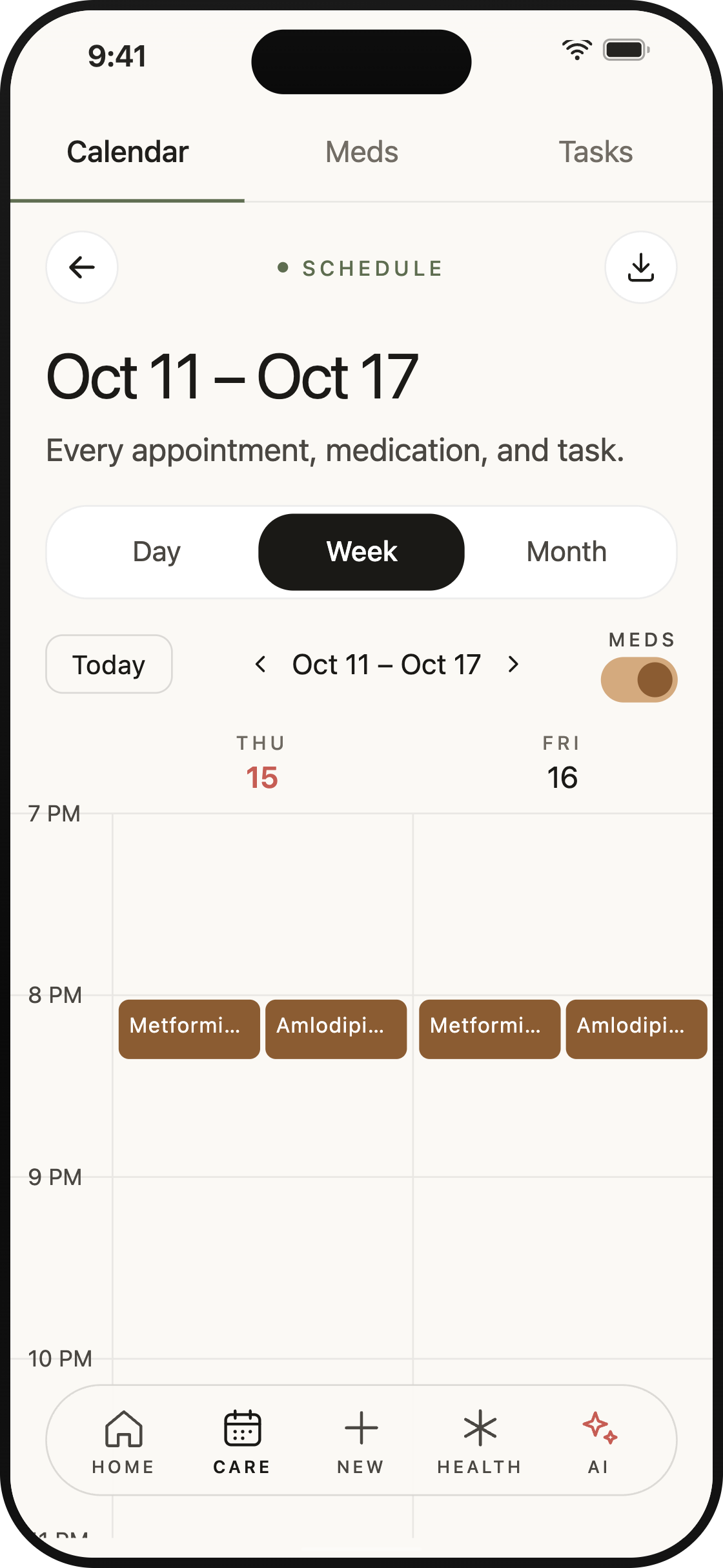
- Add medications and reminders — type them in, or say them with Premium voice add.
- Put appointments on the shared calendar, or import your existing one with Premium.
- Fill in emergency info and keep important documents where the whole circle can find them.
Care, together
The hard parts, held by more than one pair of hands.
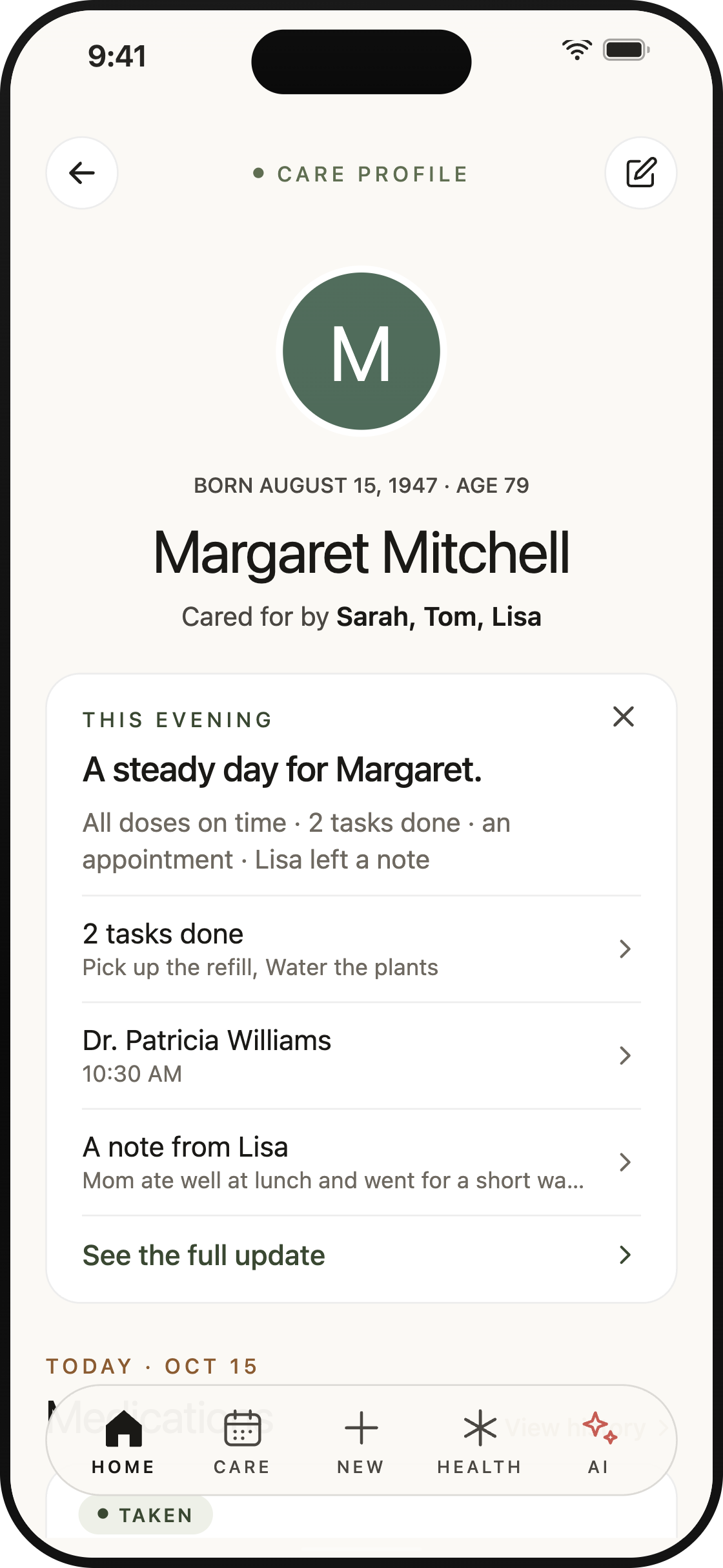
- Confirm a dose and everyone sees who gave it, and when.
- The activity feed keeps the whole circle current — no group-text recaps.
- Give tasks an owner so nothing falls between people.
See it in action
Thirteen seconds: a dose nearly missed — then confirmed together, where every caregiver can see it.
Everyone you invite joins free. Free covers you and one family member; Premium adds unlimited members — and only the circle creator pays.
See pricing
Start your circle today
Ready to start your circle?
It takes five minutes to set up — add the person you love, invite one family member, and tomorrow morning's medications are already shared.
Start your circle freeiOS · Android · any web browser